Effortless time tracking for client work.
TimeFillo silently captures every minute spent on every client — across browsers, desktop apps, files, emails, and chats. You just do your work. We turn it into accurate, billable time.
TimeFillo silently tracks every minute you spend on every client — across the browser, your desktop, your files, your inbox — and turns it into a clean, audit-ready timesheet ready to bill. Closed segments are sealed every five minutes so a crash never loses more than that.
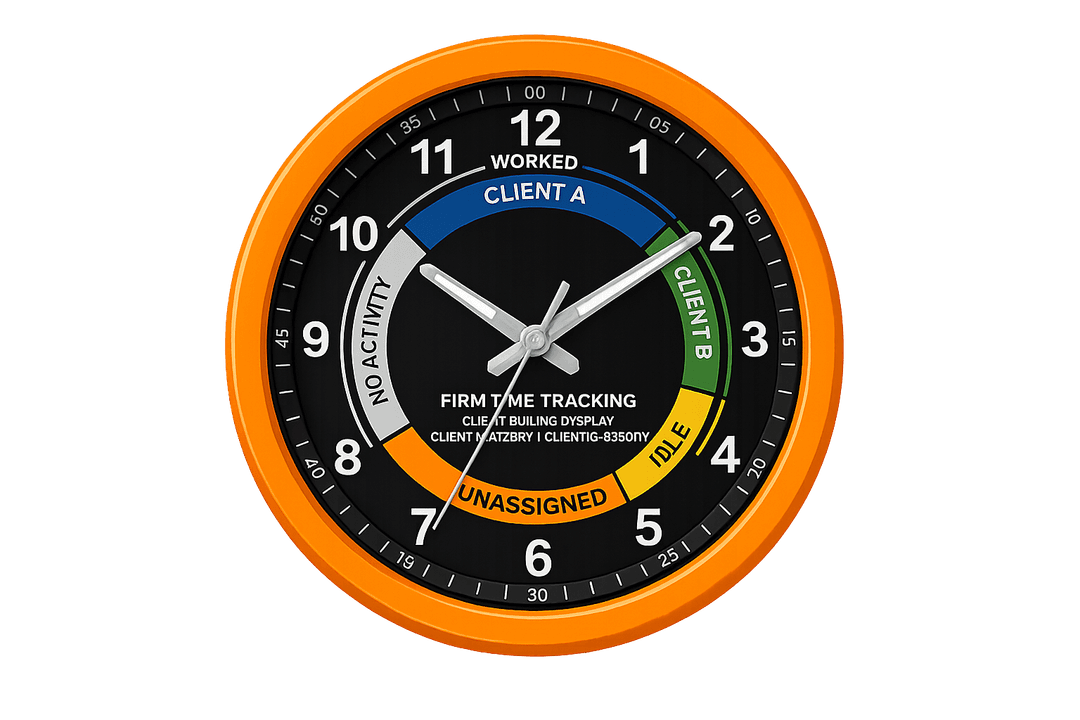
Four answers to the only four questions that matter — what TimeFillo is, why you need it, how it works, and where it captures your work.
TimeFillo silently captures every minute spent on every client — across browsers, desktop apps, files, emails, and chats. You just do your work. We turn it into accurate, billable time.
Manual timers fail. Memory fades. Hours slip away. TimeFillo recovers the billable time that disappears between meetings, tabs, files, and tools — without changing how your team works.
The browser extension watches your tabs. The desktop app watches your files and apps. Both stream evidence to TimeFillo, which matches the activity to your client list and builds a clean daily timesheet.
Whether you're inside FYI, Xero, Outlook, WhatsApp, Word, PDFs, or spreadsheets — TimeFillo follows the work, not the tool. One client view across every place you touch their files.
Six things every service firm fights with — quietly handled in the background by TimeFillo.
Recover the 5–10 hours per week that quietly disappear from manual timesheets and forgotten timers.
Free your team from end-of-day reconstruction. Time appears automatically, ready to review.
Every entry is backed by app names, file paths, URLs, and timestamps. Bill with confidence.
Work spans Outlook, Word, Xero, FYI, browsers, chats. We unify it under one client.
No timers to start, no buttons to remember. Your team works the same way as today.
No screenshots, no keylogging. Just app, file, and domain context — local until synced.
Let the extension watch your browser. Let the desktop app watch your files and apps. TimeFillo unifies both into one client-by-client timeline.
Captures URLs, page titles, domains, and time on page across the entire web. Smart matching turns "client.fyi.com" into the right client without you lifting a finger.
Sees Word, Excel, PowerPoint, PDF, Outlook, and folder activity. Matches file paths and document names to the client they belong to — all stored locally until you sync.
Two roles. One workspace. Pick yours.
Create your workspace, manage clients, invite your team, review every minute of tracked time, and bill with confidence.
Start as PilotAccept your invite, install the tracker, and review your day — all from one place. No timers. No manual entries.
Open Co-PilotStart capturing them — automatically. No behaviour change. No timers. Just accurate, client-matched, audit-ready timesheets.